
For Codex and Claude Code on macOS
A little closer
to your flow.
Lunlet sits beside your Mac's notch and keeps the coding sessions already running on your Mac in view: what each one is doing, how much of each plan is left, and a quiet signal when a turn ends.
Overview
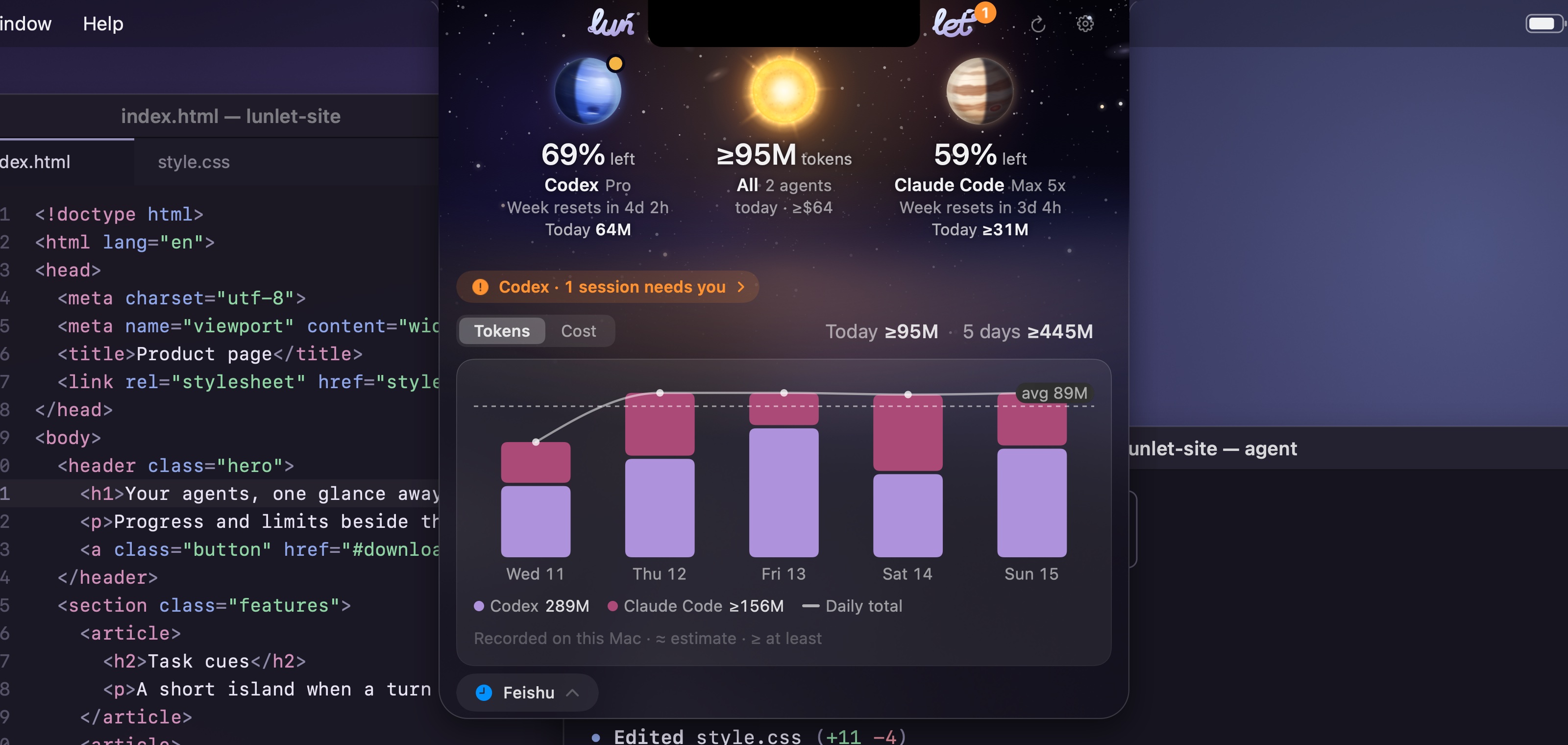
Both agents, one glance.
Each agent's limits stay apart. Today's and the week's tokens add up across them, and one chart shows the days.
Limits and usage
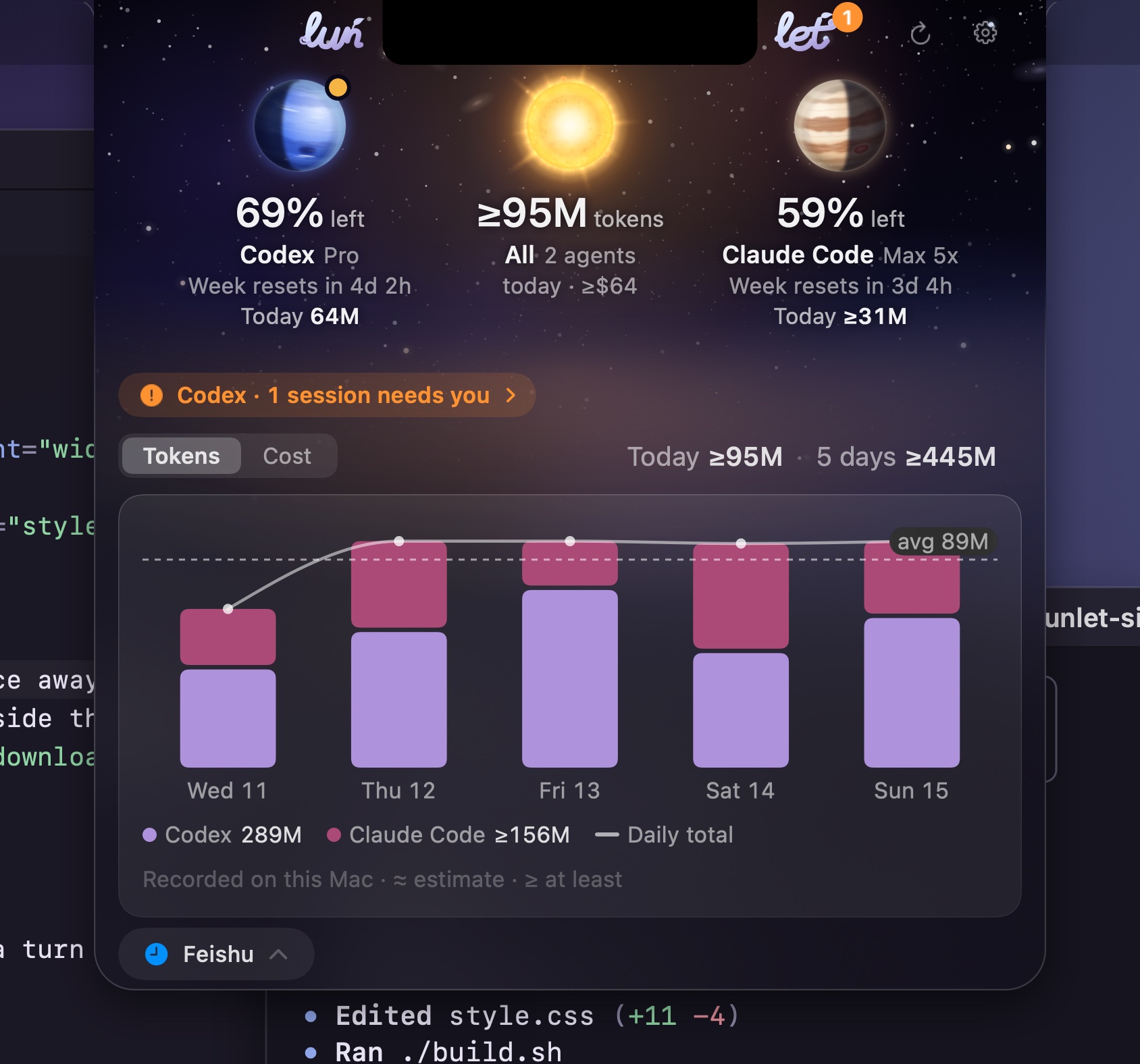
Know what is left.
Codex shows its weekly allowance, its five-hour window, credits and reset times. Claude Code shows its weekly limit and today's tokens. Cost is an estimate at API prices, never a bill.
Task cues
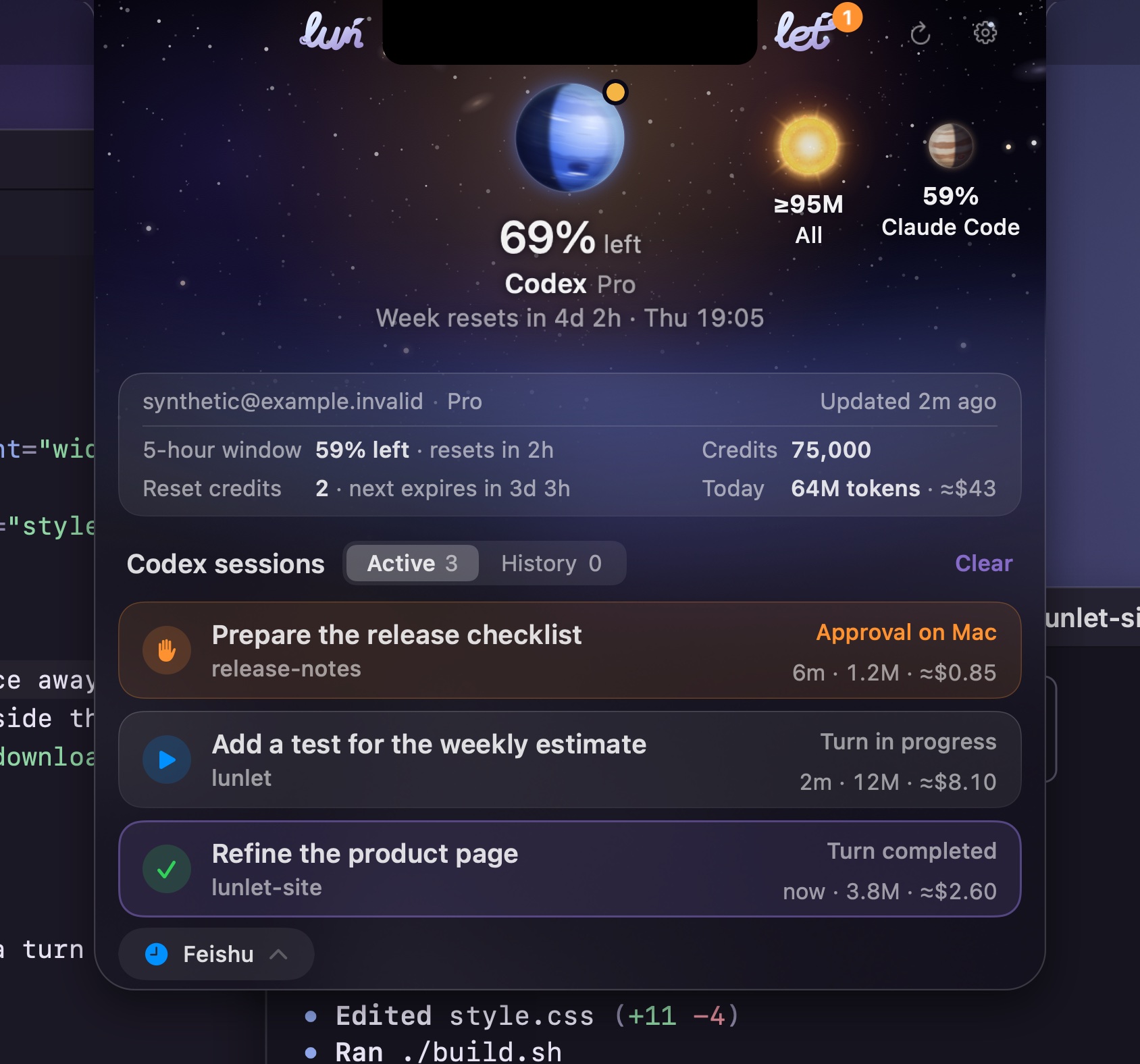
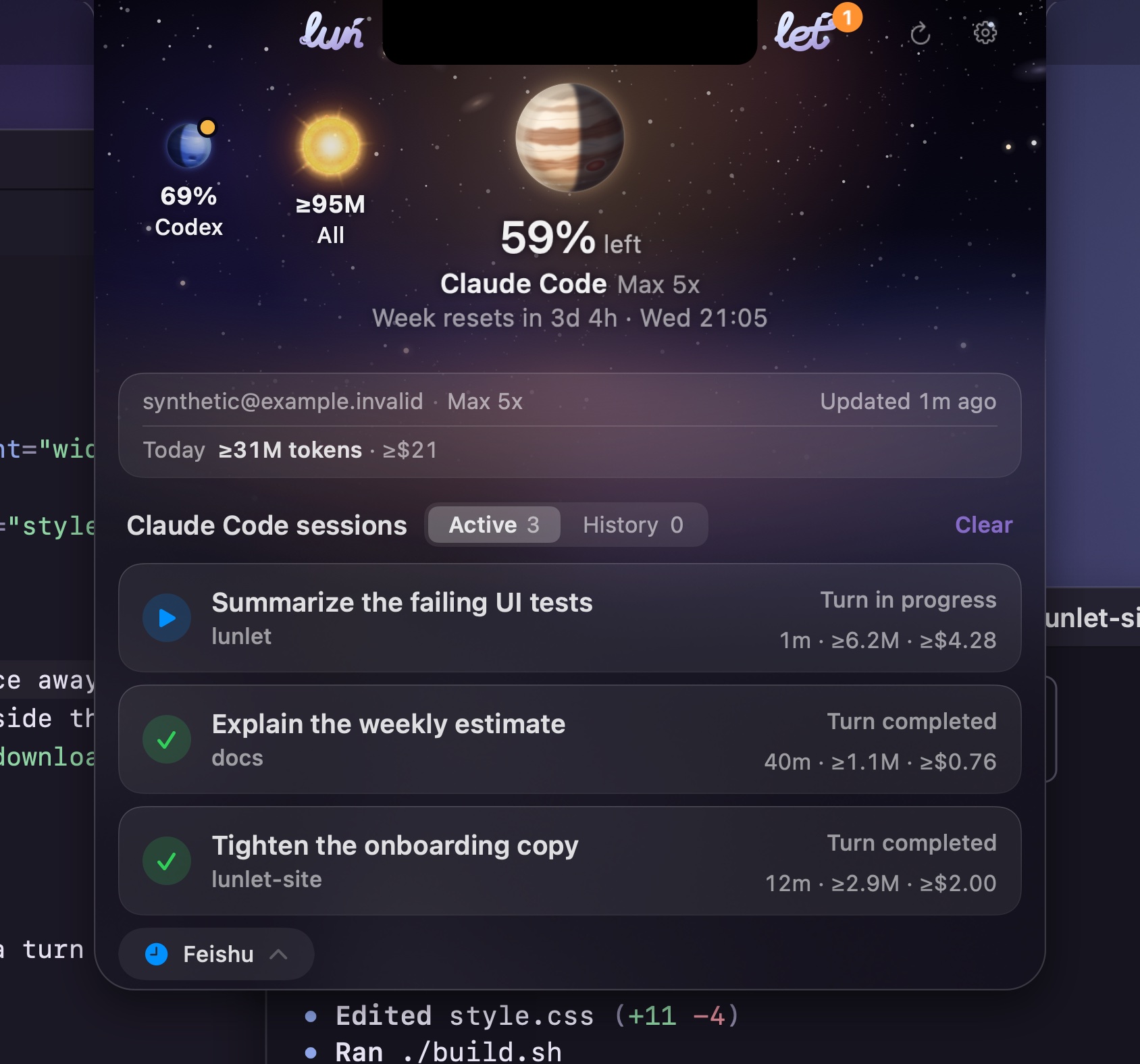
A short island.
When a turn starts or finishes, a short island grows from the notch with the project and the request, then folds back by itself. Open the panel right after, and it shows that conversation.

One minute
See it move.
A silent, captioned film rendered from Lunlet's own views on a synthetic Mac: the notch, a task cue, the panel, then the notice on a phone (Feishu) and the reply that continues the session. Playback starts only when you choose it.
Away from your Mac
Step away.
Stay in the loop.
Lock your Mac and go. When a turn finishes, Lunlet sends a short notice to your own Feishu / Lark, Slack or Telegram bot. One reply, the way that messenger takes it, continues that same Codex session. Approvals always stay on your Mac.
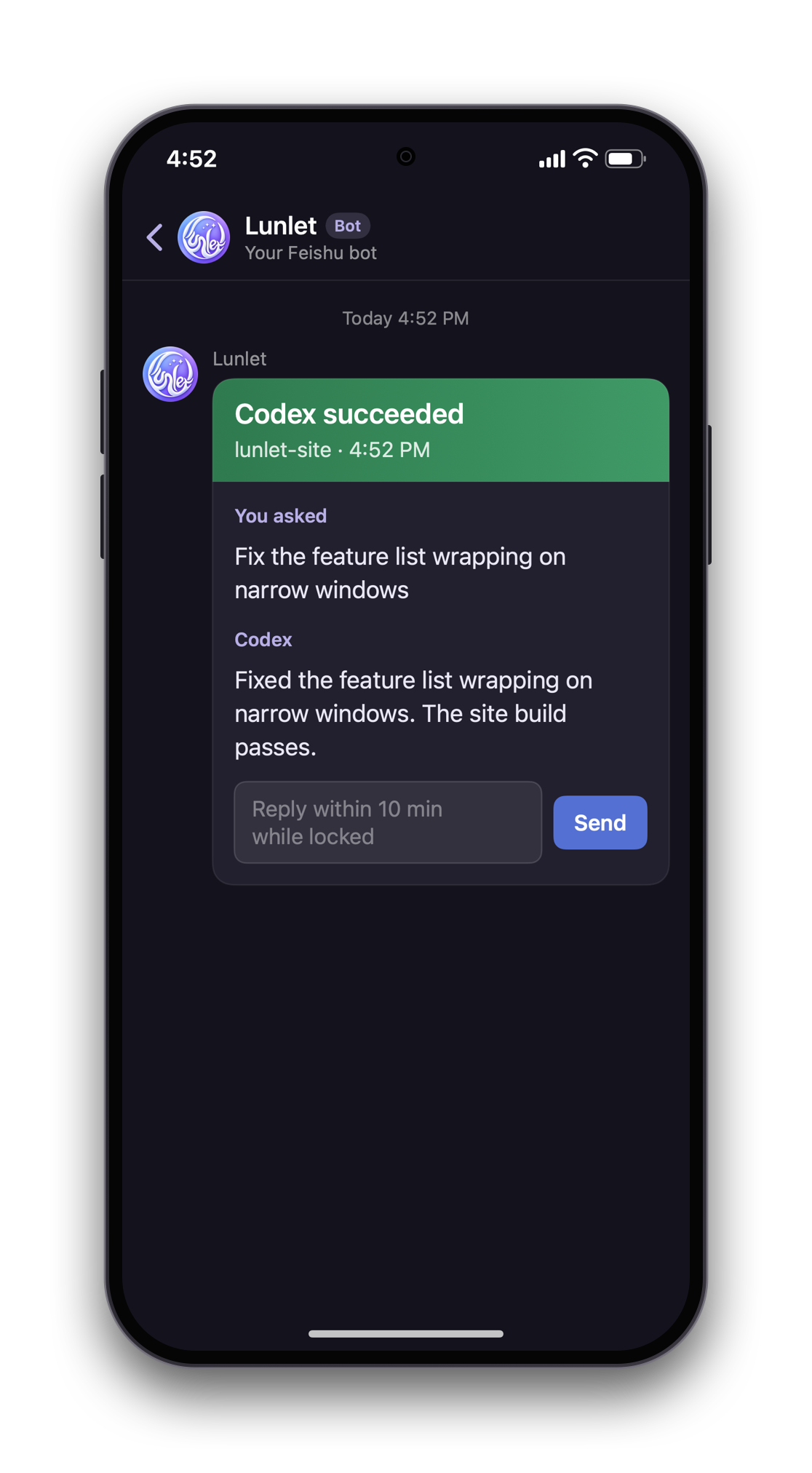 1 The card, with its reply box
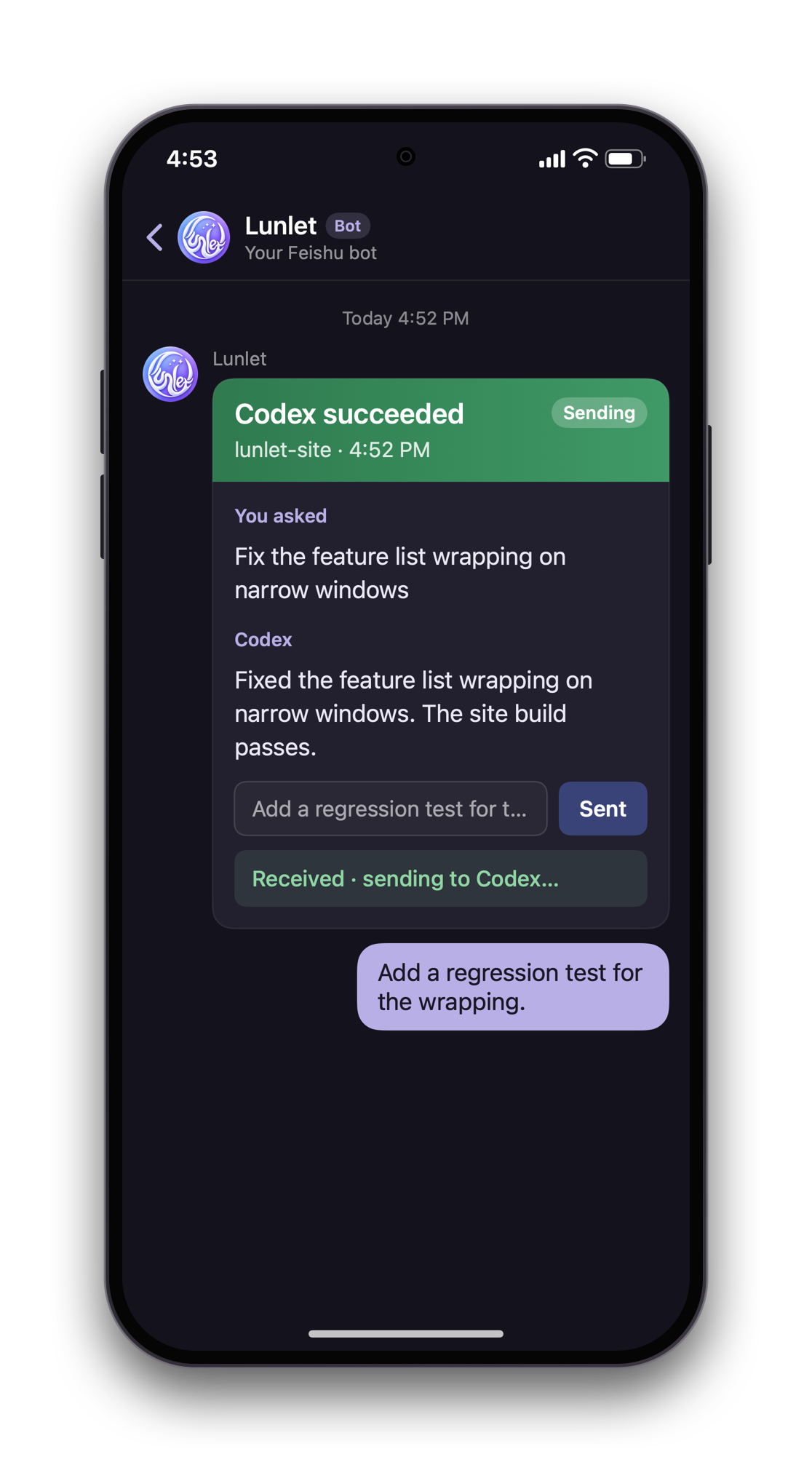 2 Your reply, sent from the box
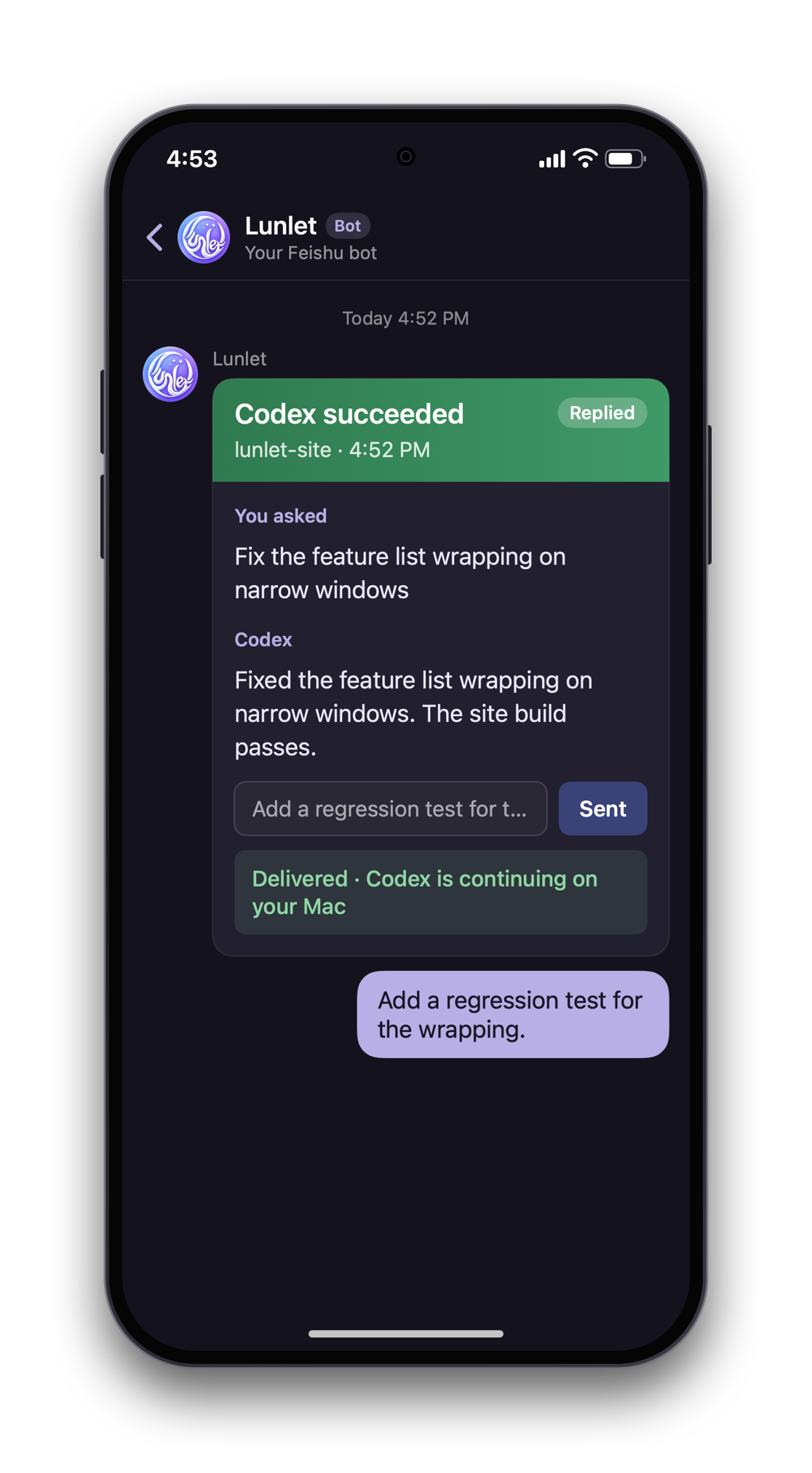 3 Delivered to the session
A Feishu or Lark card. Type in its box and send; the card is rewritten in place as the reply moves.
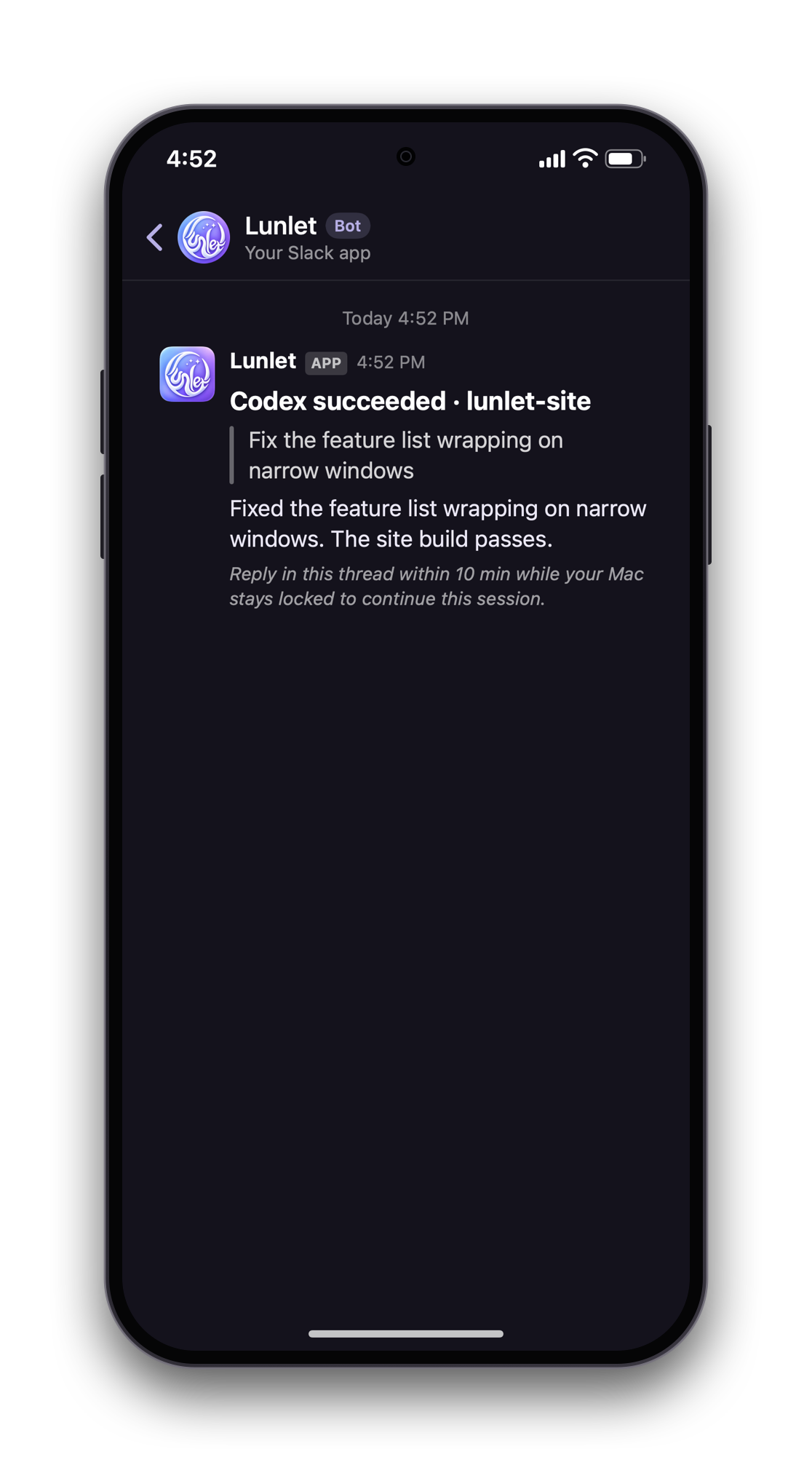 1 The notice, with a thread hint
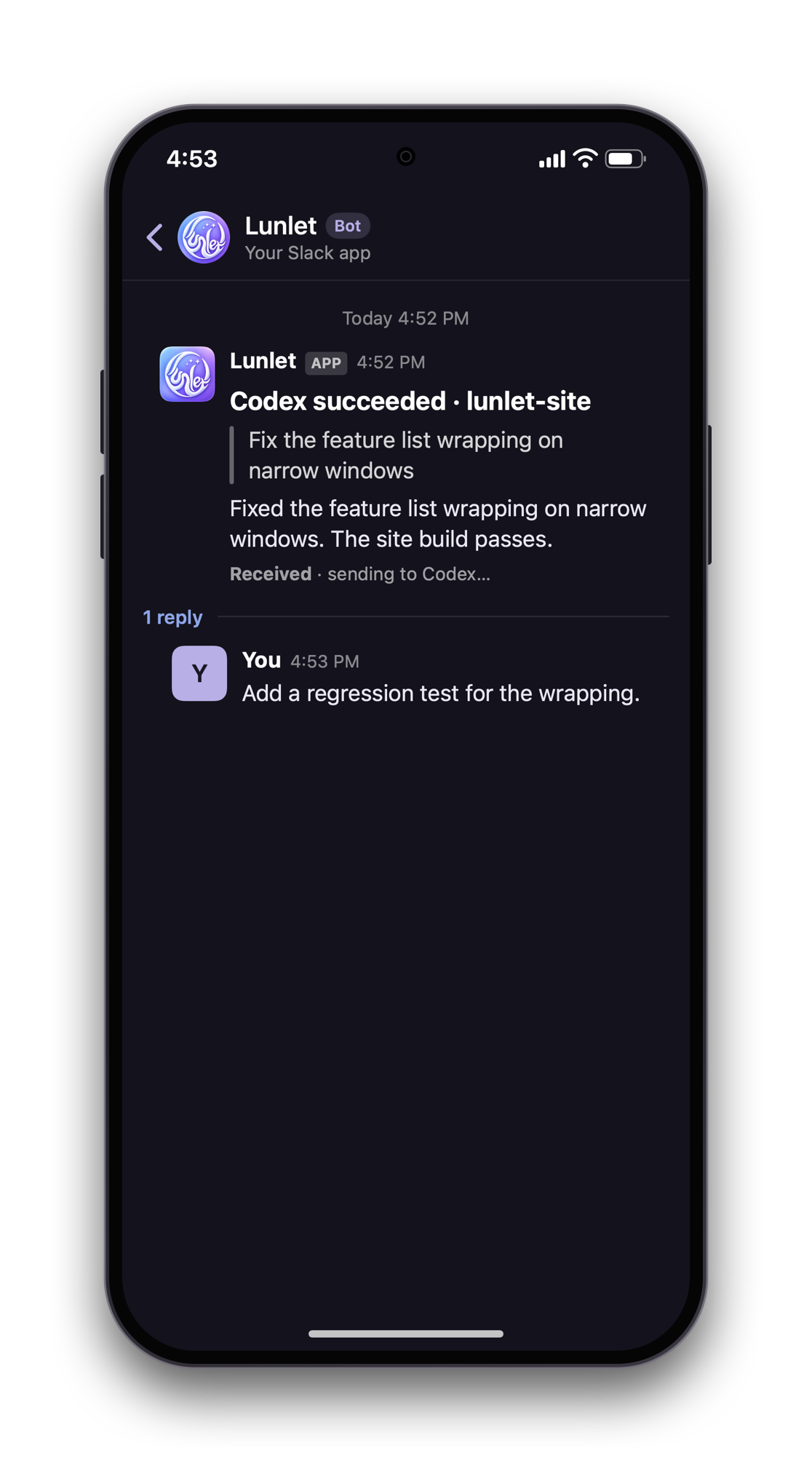 2 Your reply, in its thread
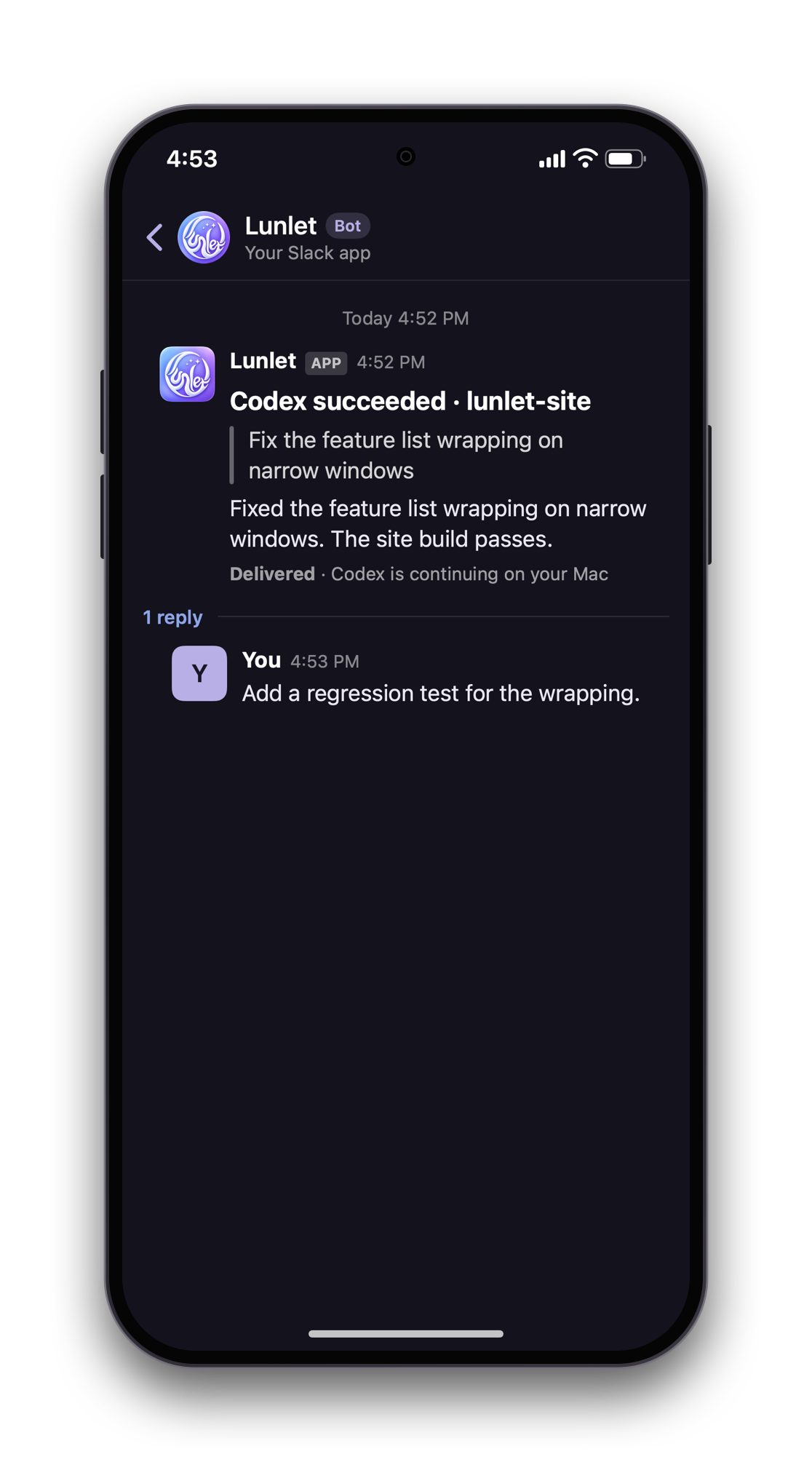 3 Delivered to the session
A Block Kit message from your Slack app. Reply in its thread; Lunlet updates the message as the reply moves.
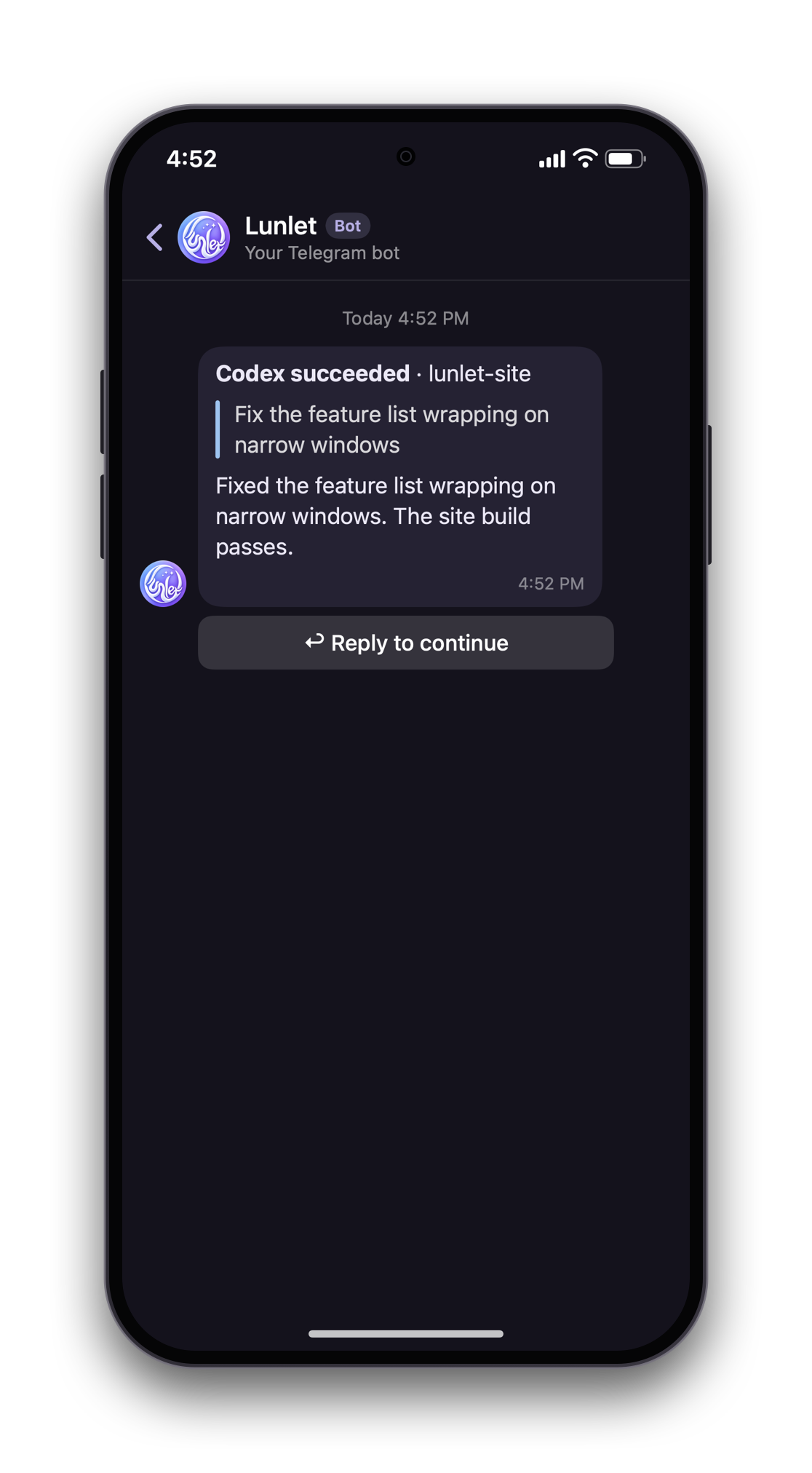 1 The notice, with a Reply button
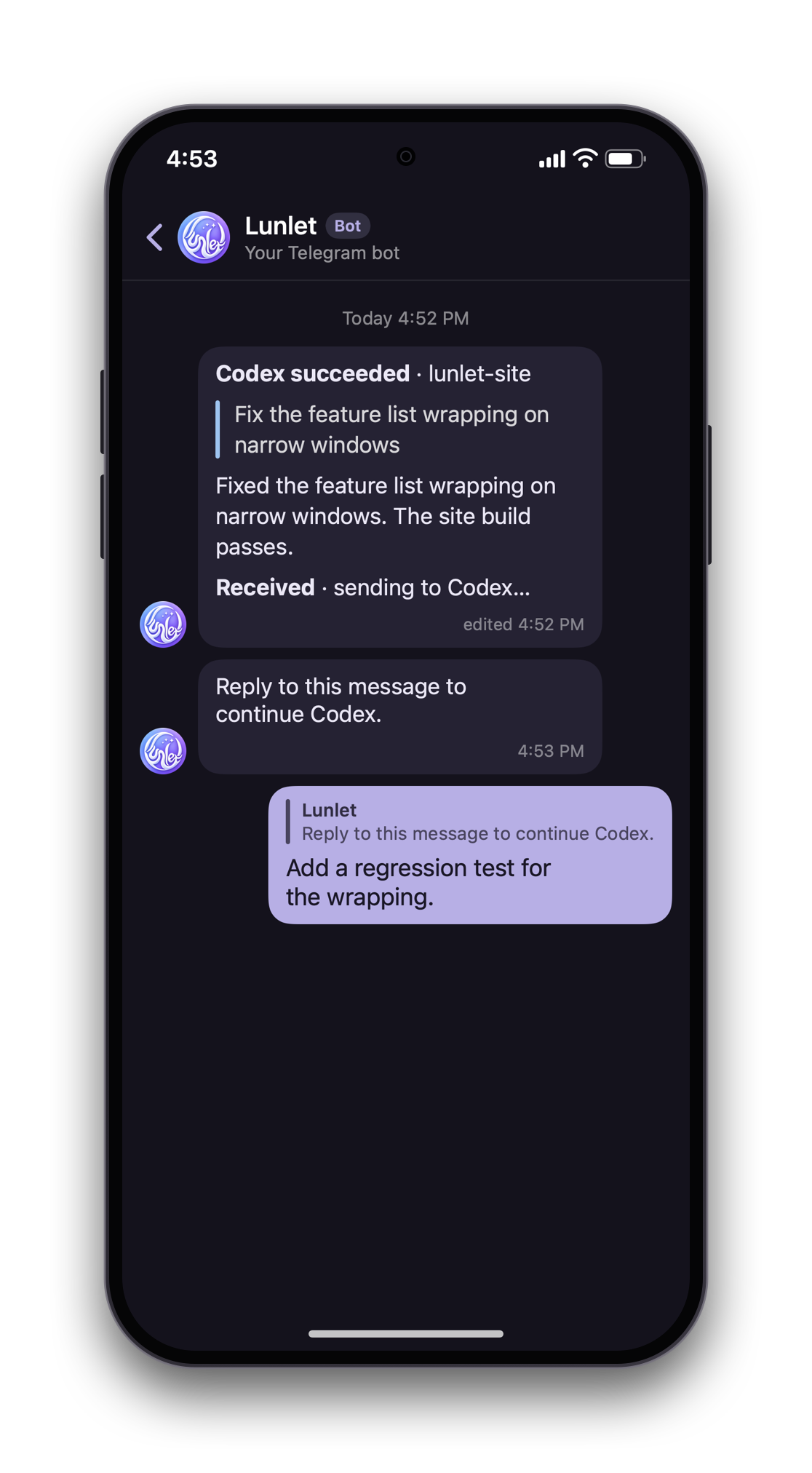 2 Your reply to the prompt
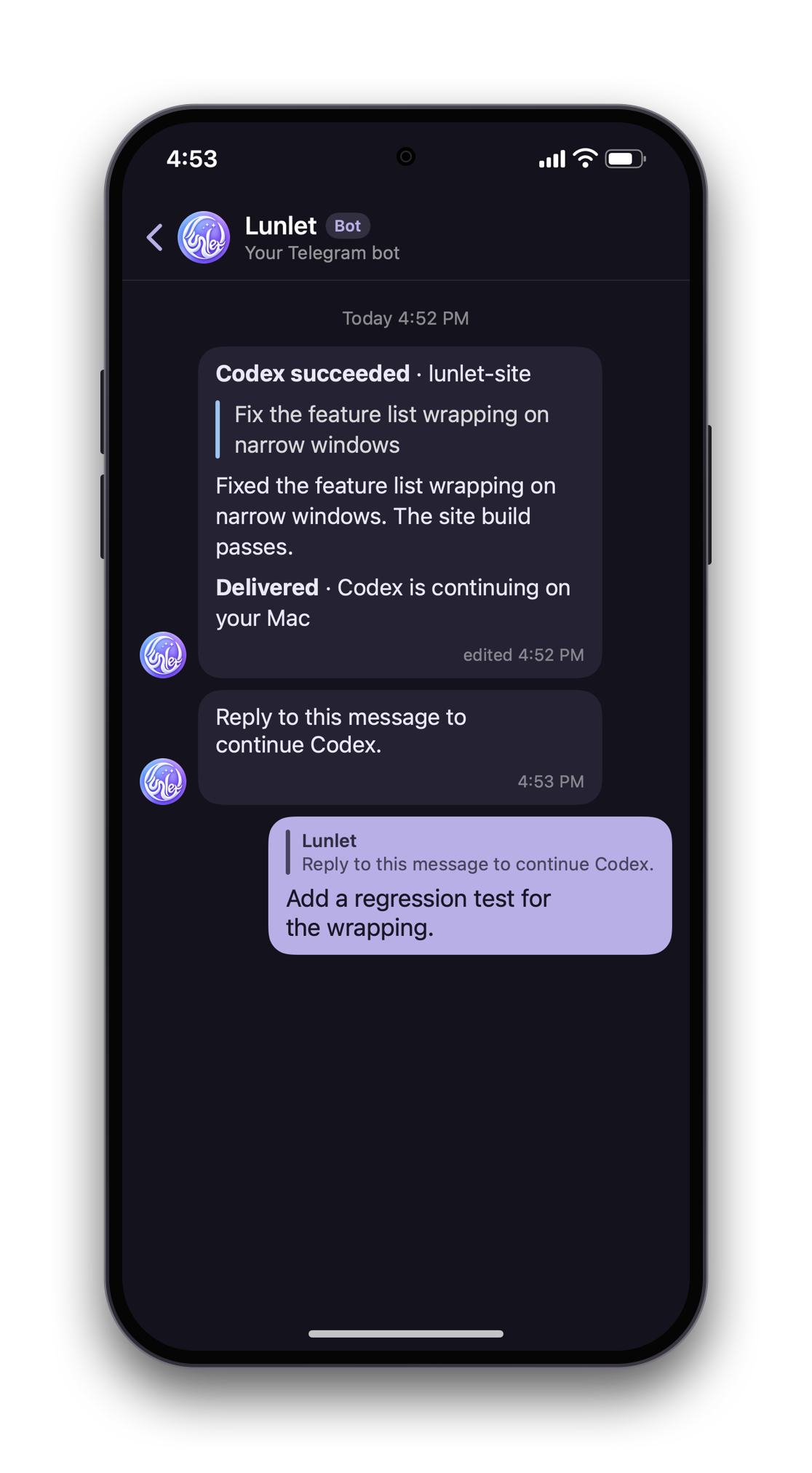 3 Delivered to the session
One message from your Telegram bot. Tap Reply to continue and answer the prompt; the message is edited as the reply moves.
Skins
Make it yours.
Choose Vine or Red lanterns, tune the accent color, or import a declarative skin of your own. On a Mac without a notch, the lun·let lettering lives in the menu bar.


Availability
Made for macOS.
Built one step at a time.
Runs on your Mac
Codex and Claude Code observation, limits and usage work locally, from the GitHub download or a source build. macOS 14 or later; on-device validation currently covers macOS 27 on Apple silicon.
Verified so far
Read-only observation of locally owned Codex and Claude Code records. Locked-Mac notices and one reply per notice are verified on Feishu, Telegram and Slack. Some client workflows still need on-device validation.
Download the preview
An unsigned preview for Apple silicon Macs. macOS asks you to allow it on first open: on macOS 15 and later, open System Settings › Privacy & Security and choose Open Anyway; on earlier versions, right-click Lunlet and choose Open. Updates ask for nothing. Requirements, release notes and checksums are on GitHub. No new mobile conversations, SSH, remote-host discovery or general computer control.
Download on GitHub